✦ The honest AI clip studio

Long video in.
Clips that rave out.

RaveClip finds your most viral moments, captions them beautifully, scores them, and tells you why. Then posts them everywhere.

No black boxes. Watch every clip render live · know your usage before you run.
1 → 25one video, up to 25 clips, no repeats
Every score explainedthe AI tells you why a clip will hit
3 platformsTikTok, Instagram & YouTube in one Publish
0 surpriseslive pipeline, honest limits, clear costs
How it works

Paste a link. Keep the winners. Post.

Three steps between a two-hour recording and a week of content.

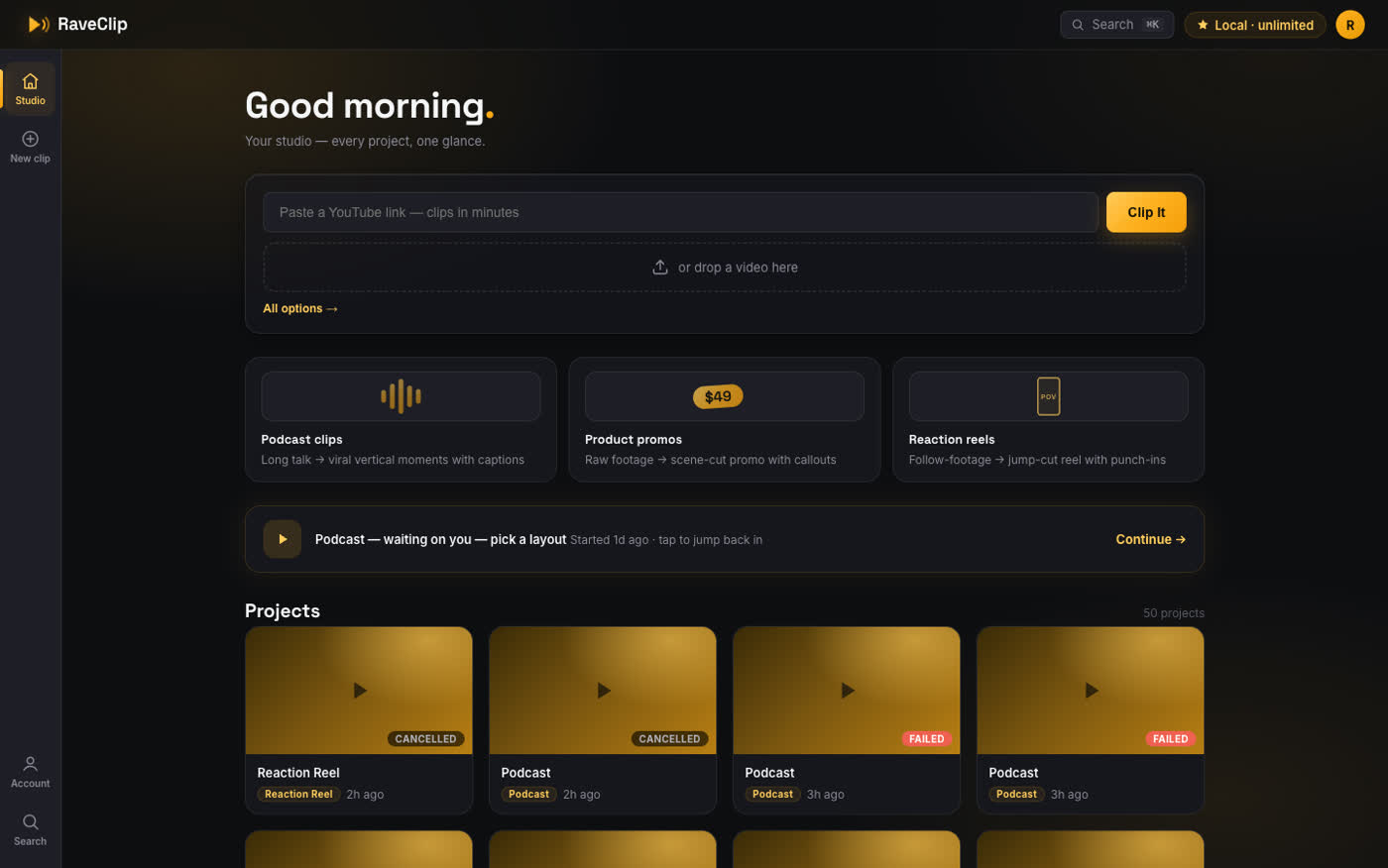
RaveClip Studio dashboard
1

Drop your video

Paste a YouTube link or drop a file anywhere in the Studio. Long videos, product footage and reaction reels each get their own AI pipeline.

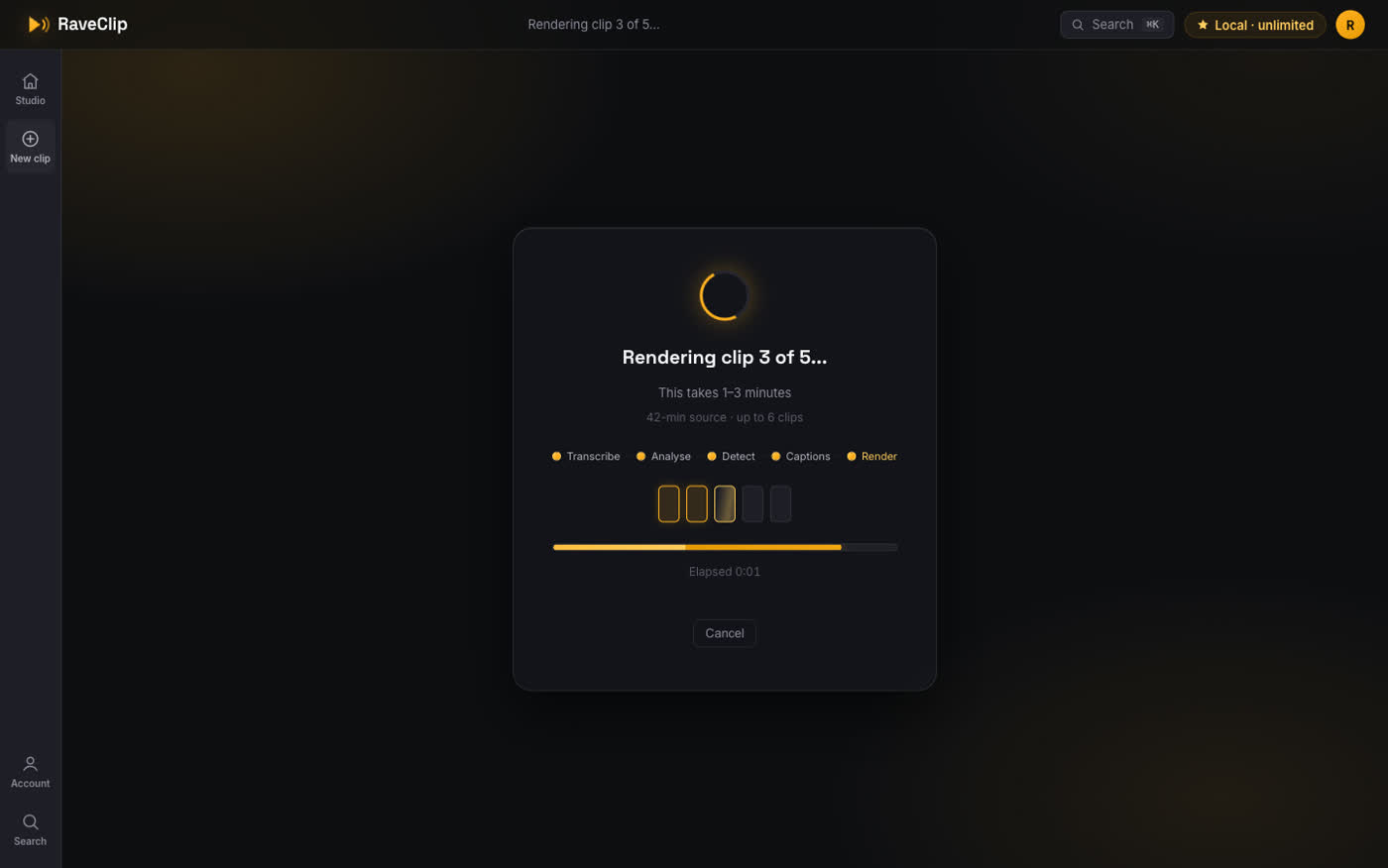
Glass-box processing screen
2

Watch the AI work live

No spinner-and-pray. See every stage, every clip rendering one by one, elapsed time, and honest estimates the whole way.

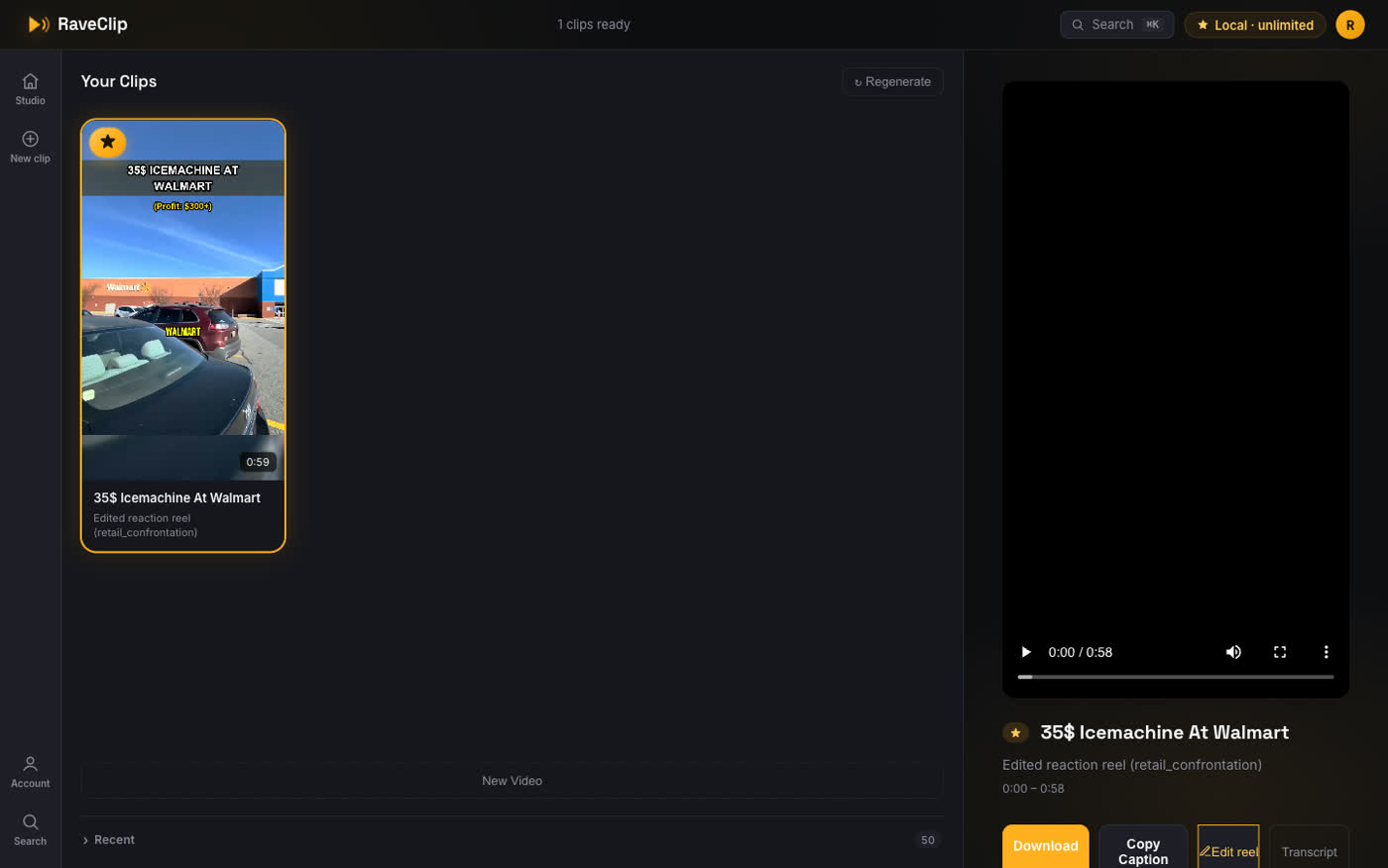
Scored clips with explanations
3

Triage & publish

Every clip arrives scored and explained. Keep the winners with one key, export as a zip, or publish straight to your platforms.

Features

Everything the feed rewards.

Captions

Captions that punch

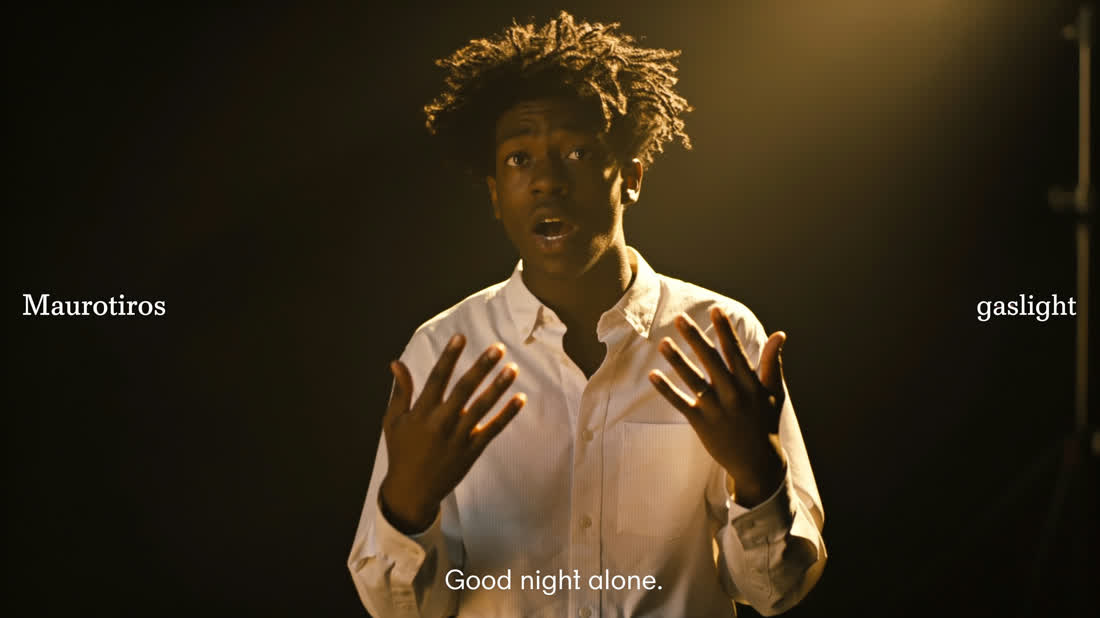
Six animated styles (karaoke, punch-words, highlights), burned in frame-accurate, exactly like the export.

Virality AI

Scores you can trust

Every clip gets a virality score with the reasoning on the card: hook strength, energy, curiosity gap. No mystery numbers.

Long video

Smart reframing

Face-tracking, two-host layouts, auto layout-switching per segment, all with a visual picker, not a guessing game.

Reaction reels

Raw footage → story

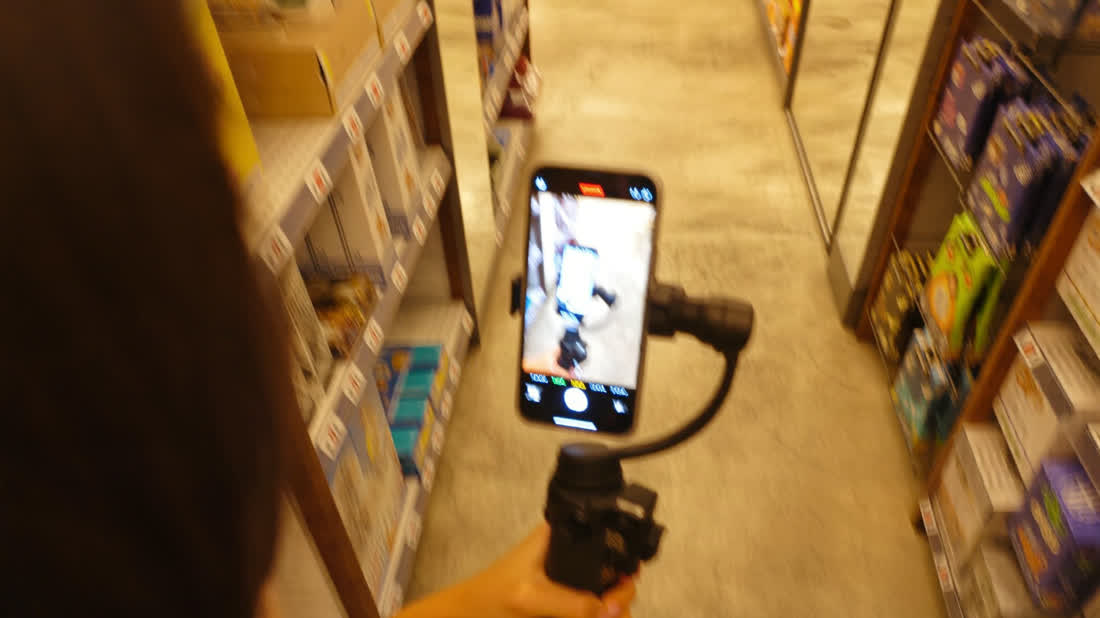
Dead air jump-cut out, punch-ins on the beats, meme stingers and SFX placed by AI. Then fine-tune everything in the editor.

Editor

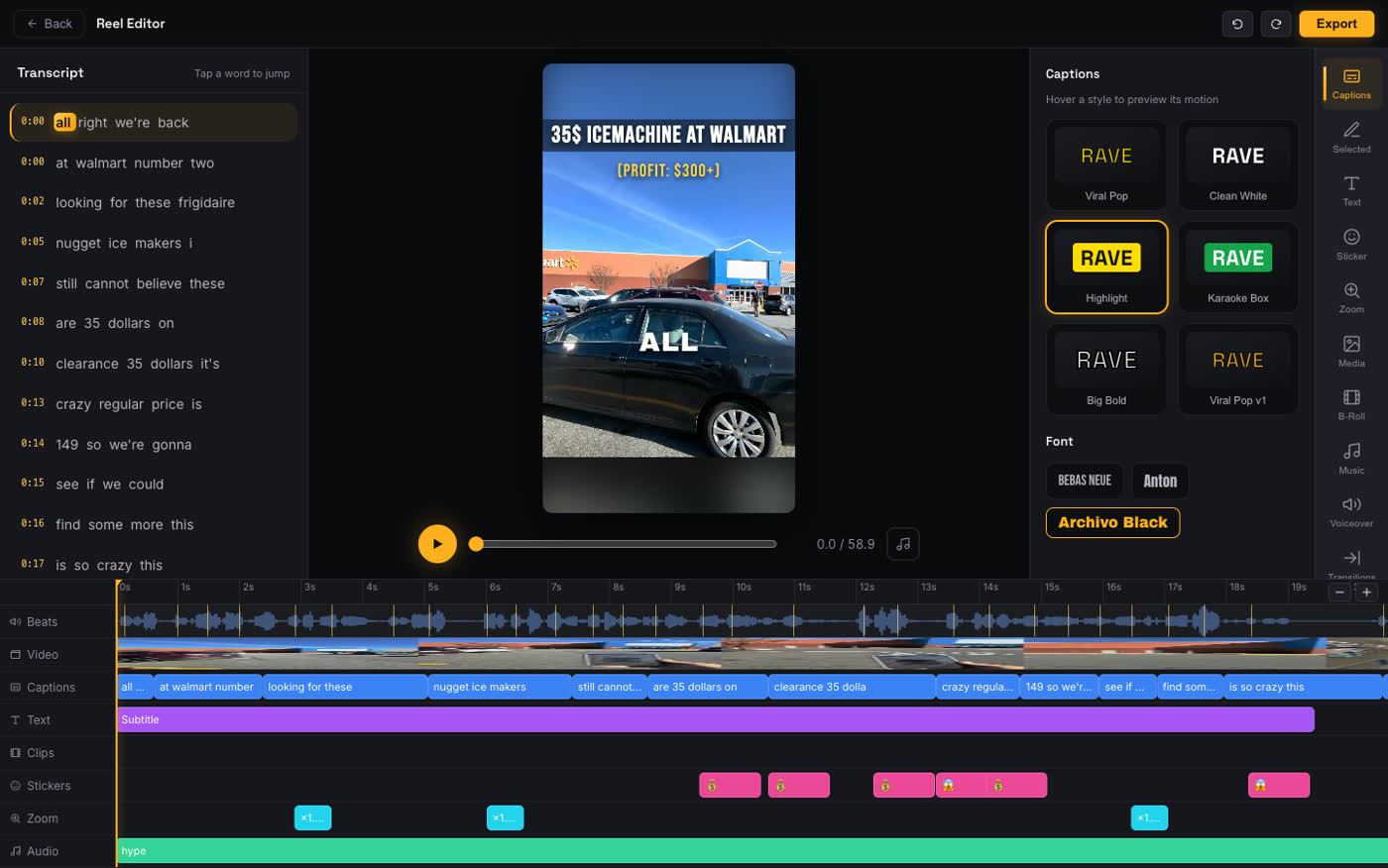
A real timeline editor

Transcript-synced editing, live-preview caption styles, music moods, transitions, B-roll. Every library animates before you commit.

Publish

Post everywhere, track everything

Platform-tailored AI captions, one-click publish or schedule to TikTok, Instagram & YouTube. Views and likes tracked in one place.

Why RaveClip

The honest AI clipper.

The #1 complaint about AI clipping tools is the black box: opaque processing, surprise limits, unexplained scores. We built the opposite.

Watch it happen

A live stage map, per-clip render progress, elapsed time. If something fails, you see exactly where, with a one-click retry.

Scores that explain themselves

"Strong contrarian hook in the first 3 seconds." The why is on every card, so you learn what works while you pick.

No surprise limits

Your remaining runs are visible before you submit. Never a paywall ambush at export time.

The editor

Fine-tune like a pro. Feel every change.

Transcript on the left, live stage in the middle, animated libraries on the right, and a timeline that behaves.

The RaveClip timeline editor
Pricing

Pay for what you clip.

Credit-based & honest: 1 credit = 1 minute of source video. Start free with credits on signup, no card needed.

Starter

$20 / month
300 credits · ~5 hrs
  • All clip types: long video, reel, product
  • All caption styles & layouts
  • Virality scores with explanations
  • Full timeline editor (editing is free)
Get started

Studio

$100 / month
2,000 credits · ~33 hrs
  • Everything in Pro
  • Best value per hour of video
  • Highest-priority rendering
  • Early access to new features
Get started

See top-up packs & full details →

FAQ

Questions, answered honestly.

What kinds of videos work best?

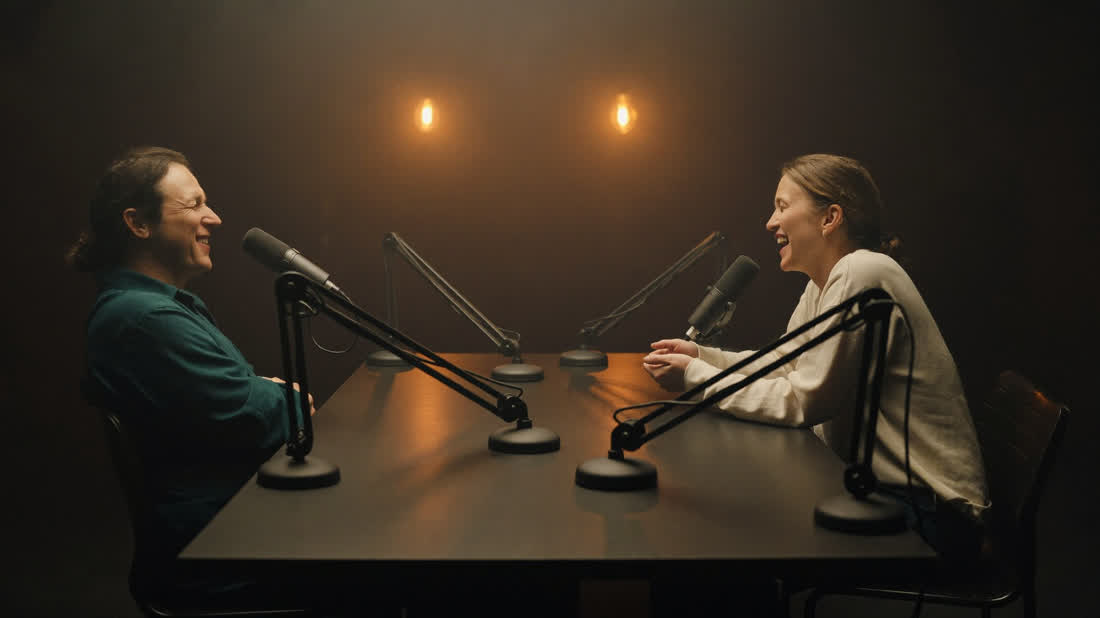
Interviews, podcasts, lectures, webinars and streams all shine (smart reframing + speaker tracking), product footage becomes scene-cut promos with callouts, and raw "follow-me" footage becomes jump-cut reaction reels. Paste a YouTube link or upload files. Multiple parts get stitched automatically.

How is RaveClip different from OpusClip and the others?

Transparency. You watch the pipeline run clip by clip, every virality score comes with its reasoning, your limits are visible before you submit, and failures explain themselves with a retry: the exact opposites of the category's most-complained-about behaviors.

Do I keep control over the AI's choices?

Always. Review screens before rendering, a keep/skip triage after, and a full timeline editor (captions, music, zooms, B-roll, transitions) where every change re-renders only what's affected.

Can it post for me?

Yes. Connect TikTok, Instagram and YouTube, get platform-tailored AI captions, publish now or schedule, and track views, likes and comments from one dashboard.

What happens to my clips?

Rendered files are kept for 48 hours, then cleaned up. The app tells you honestly when something has expired. Download anything you want to keep: single clips or a zip of your keepers.

Your next viral clip is already
in your last video.

Free to start · clips in minutes · no black boxes

Open the Studio →